Sparo
AI operates the page. You decide what goes out.
Forms, customer replies, posts. Sparo drafts them on the page you're looking at, then stops and waits for you.

The AI works on the page you're already looking at. Your logins stay on this PC. There is no cloud browser in between.
Summarize this page, fill a form, draft a reply, prepare a post. The draft is on the page, ready for you to check.
Trips, prices, research: say it in one sentence. It opens the pages and hands you the result. You still click pay and send.
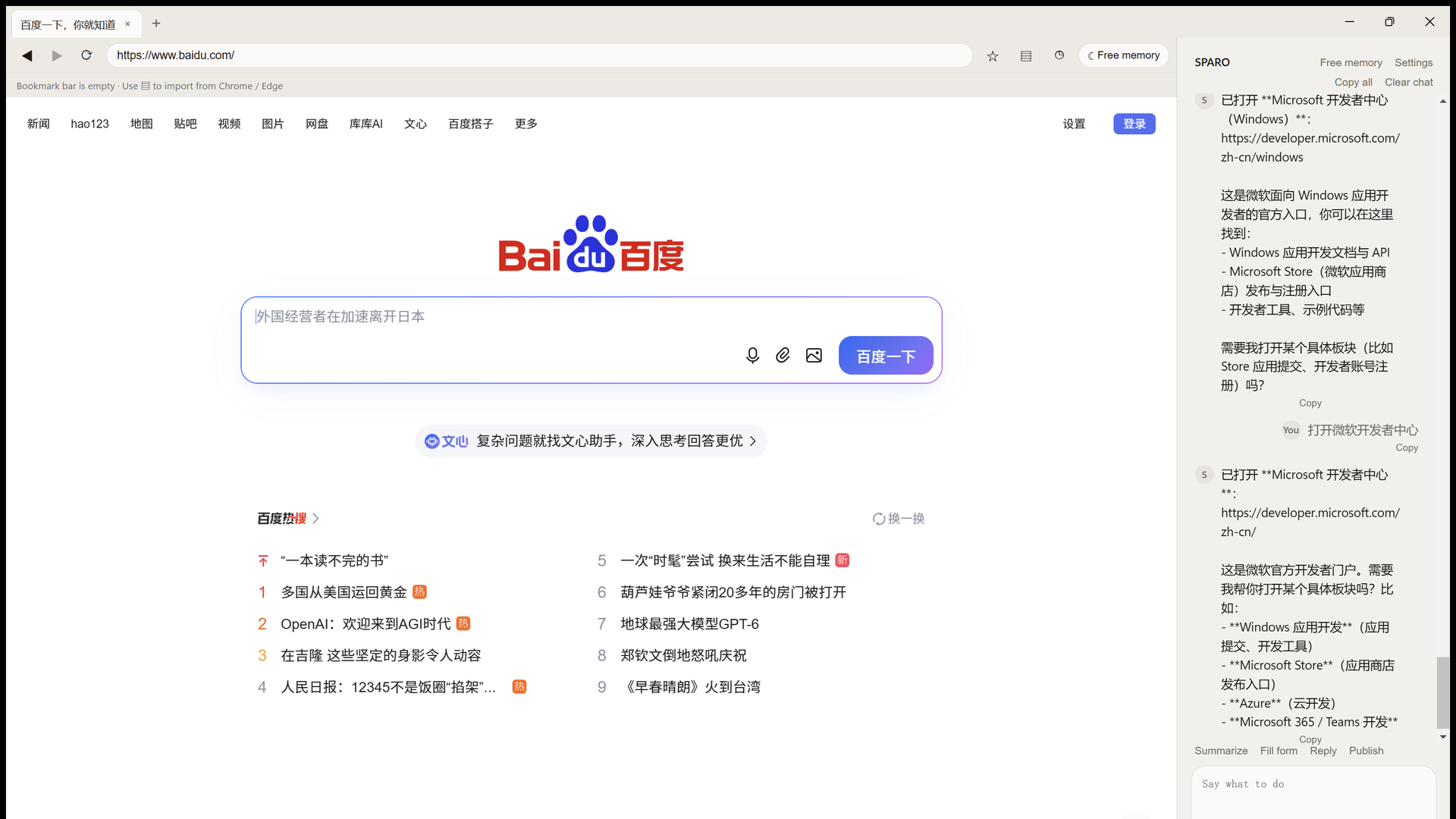
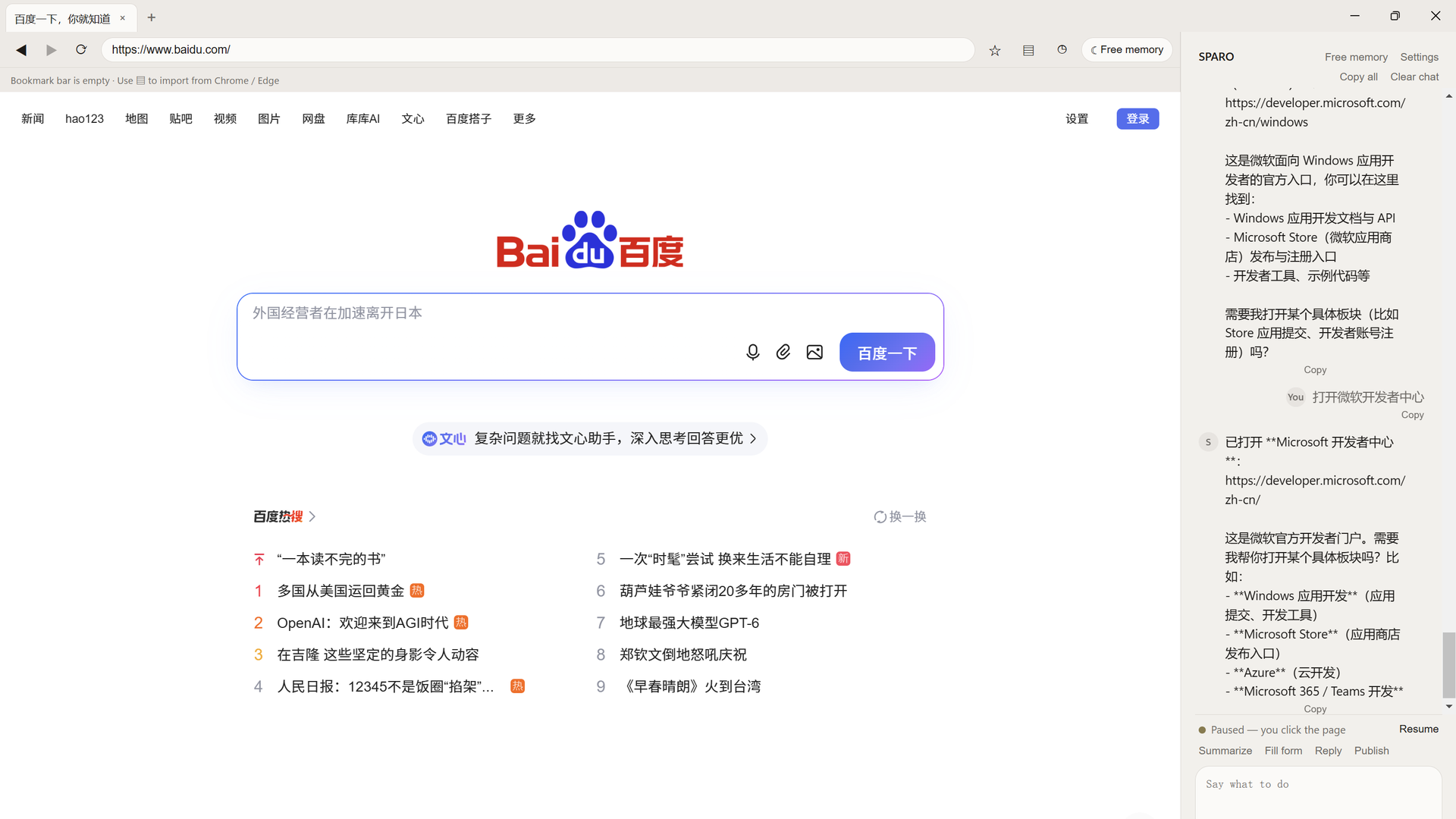
Sparo is a browser for your Windows PC. It opens pages and keeps using the sites you're already signed into.
Anything that would leave the page is written into the box and then it stops. Posts, submits, and payments wait for your click. Pause it anytime from the sidebar.
Paste your own model key and keep it free: DeepSeek, OpenAI, or any compatible endpoint. If you'd rather not handle keys, sign in for cloud models. Those keys stay with us. Cursor and Claude can drive this same window.
How to get it
Install it yourself
Windows installer. Double-click, then open Sparo from the Desktop. In the sidebar settings, paste your own model key, or sign in for cloud models.
Download FreeLet your AI install it
Paste this into Cursor or Claude. It downloads the installer and finishes setup.
You might also like

AI Book · AI Isekai
ReleasedYou step inside the story. Options appear at every crossroad — or type your own move. Play worlds others built, or build one for others to explore.
Free to play

CyberMerit
Demo liveA little fox on your Windows desktop. You work, she cultivates. Free demo on Steam now. Full game 4 Nov, ¥18 / $2.99.
Free demo · ¥18 / $2.99
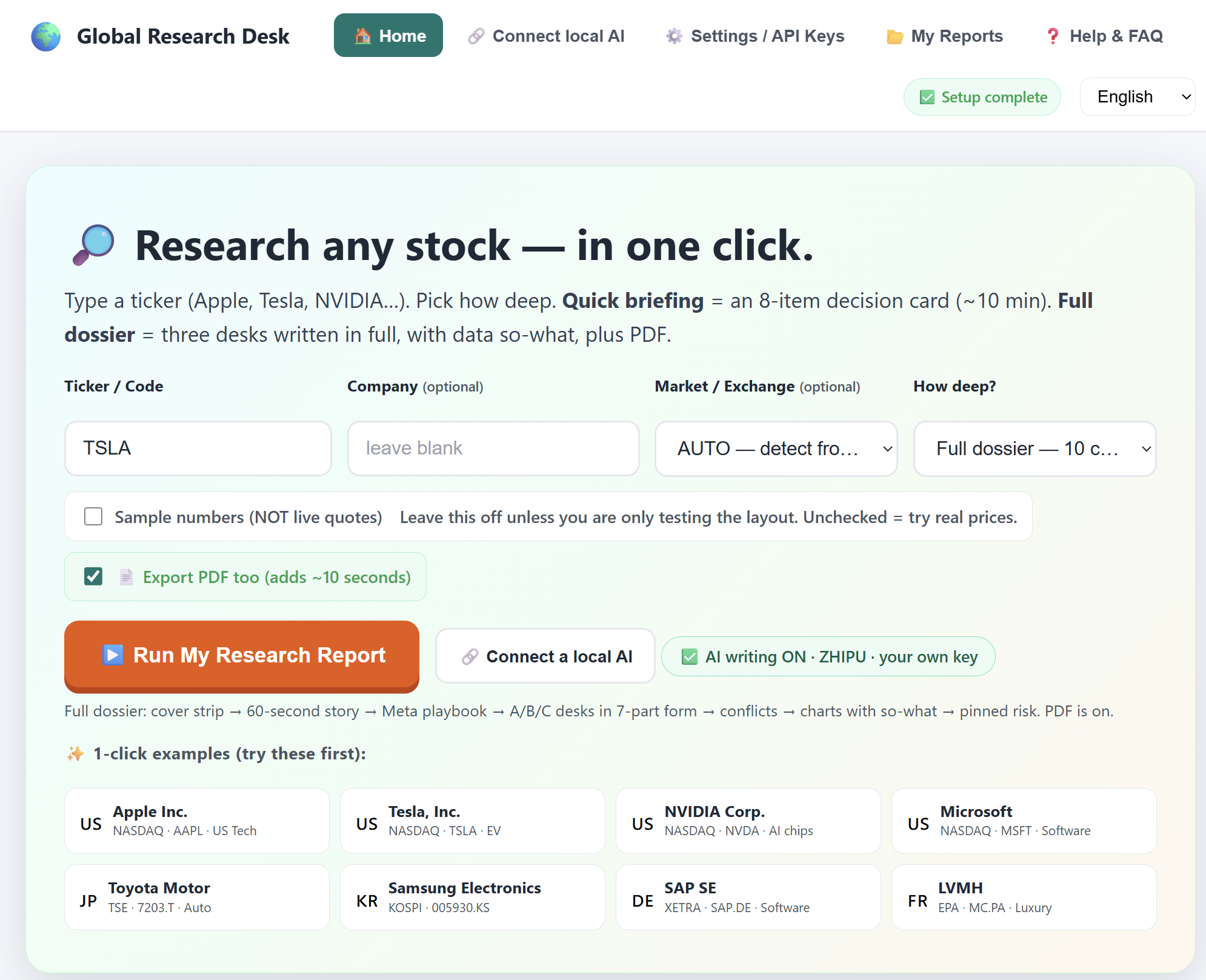
Global Research Desk
ReleasedOne stock, three angles: trading, fundamentals, ownership — each gets its own report. If a number can't be found, it says so. Never invents.
$29 lifetime